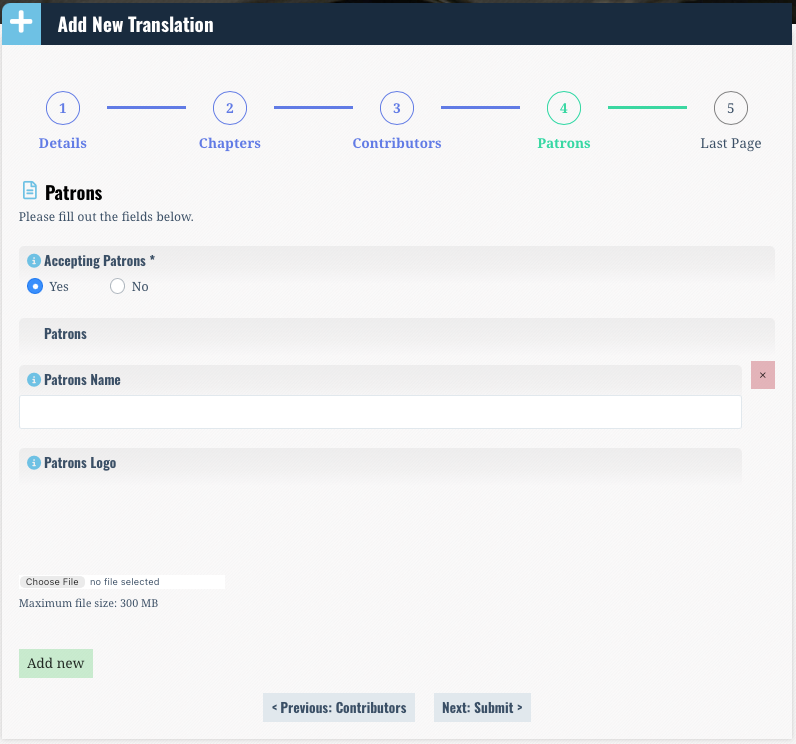
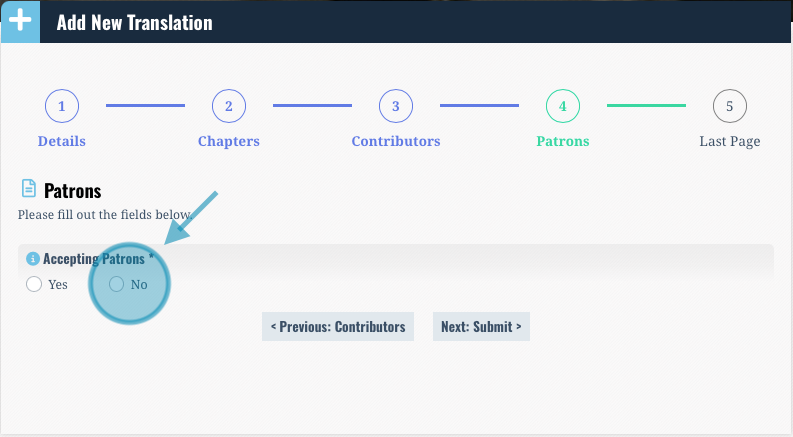
When adding your translation you will be prompted to select whether or not you would like to accept patrons for your translation. If you are not interested in accepting Patrons, select the “No” toggle.
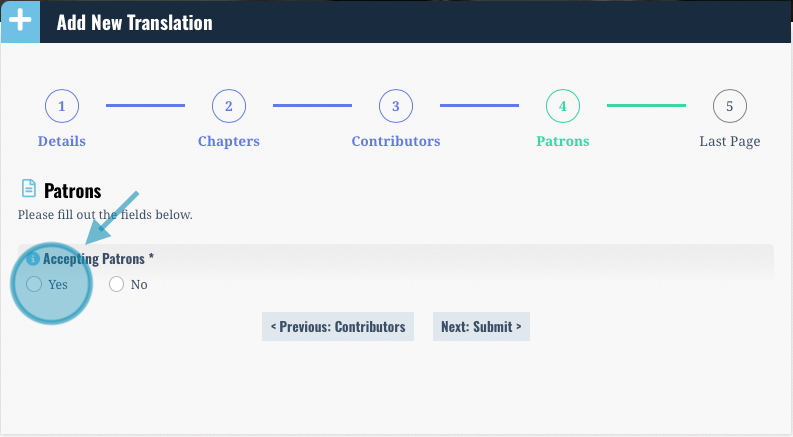
If you would like to accept patrons, select the “Yes” toggle. Once your translation is posted, at the bottom of the translation page there will be a button that says “Support this Project” where people who would like to patronize your translation can fill out a form to apply. This will send you an e-mail, which you can choose to respond to outside of the “Open Source translations” interface if you would like to work with this person or group.
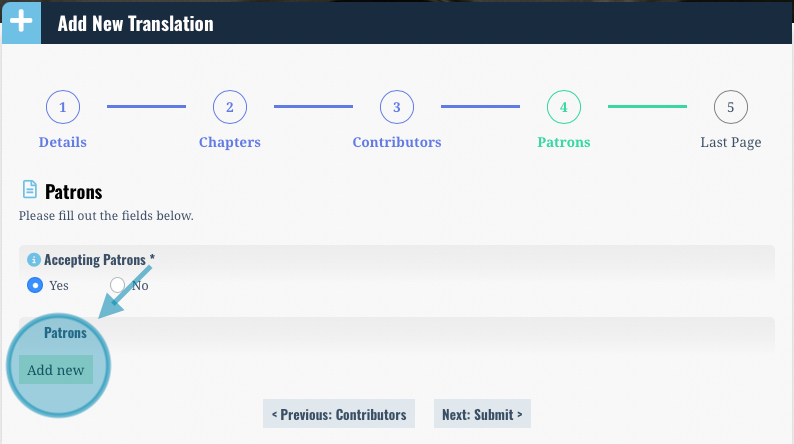
If you already have Patrons supporting your project, you will be able to add them here. Click the green “Add New” button.
You can then fill out the relevant information about your patron as you would like them to appear on the site.