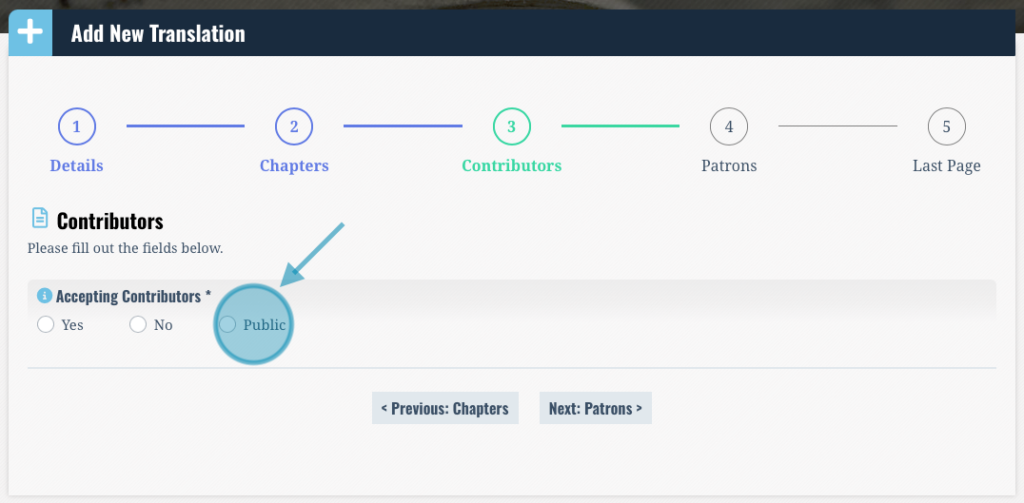
As collaboration manager, you are in full control over whether you accept contributors, as well as how you choose to communicate and organize with them. When creating a translation, you can set your “Accepting Contributors” status to “Yes”, “No”, or “Public”, and can change between the three at any time when making changes via Edit Translation.
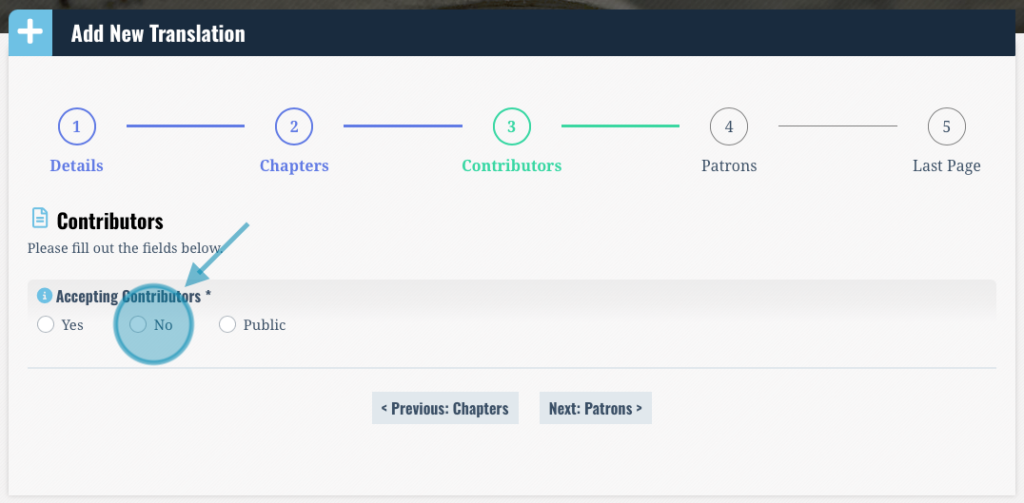
If you do not wish to work with any collaborators, when creating or editing your translation: Select the “No” toggle under “Accepting Contributors”. This means new contributors will not be able to apply to this specific translation.
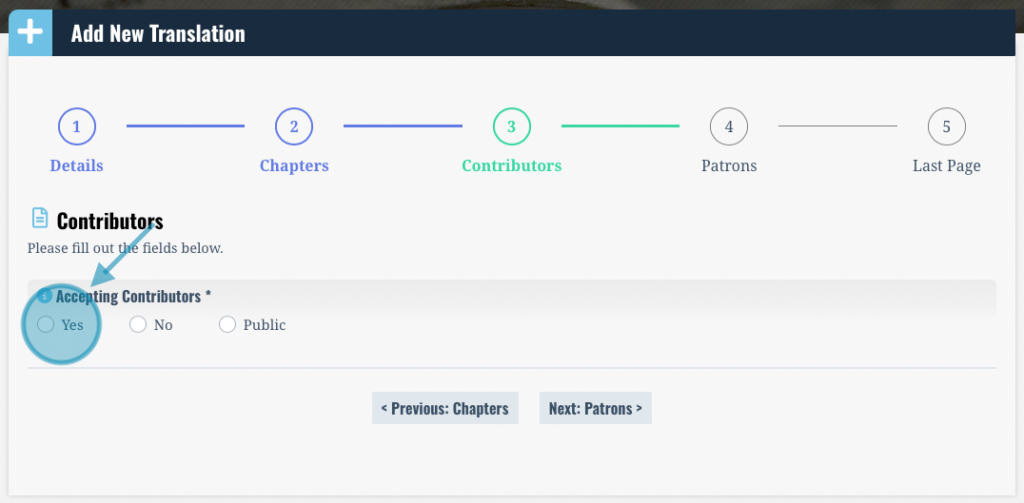
If you wish to work with collaborators, and you want to have the power to accept or reject applications, and control each collaborator’s access: When editing or adding your translation, select the “Yes” toggle under “Accepting Contributors”.
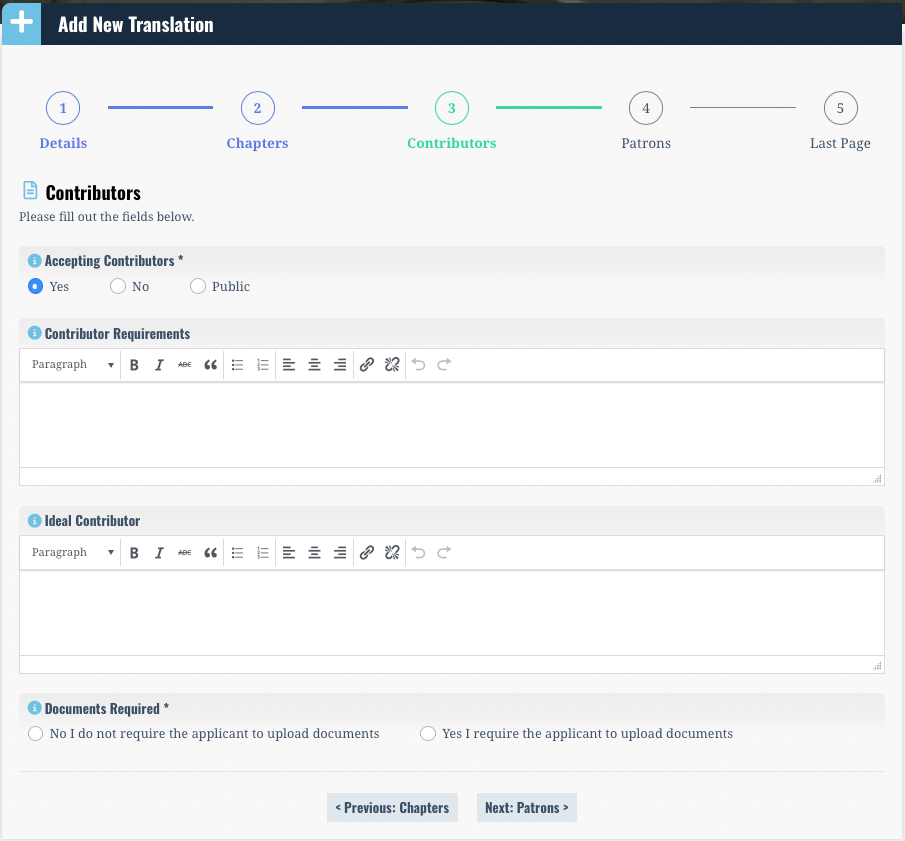
If you select the “Yes” toggle, you will be prompted to list your “Contributor Requirements” which prospective contributors must meet in order for you to approve their application, as well as any documents you would like for them to submit, such as proof of past experience, or relevant degrees or certifications. You will also be prompted to describe your criteria for the “ideal contributor”, which are attributes you would like to see in your contributors, but are not necessarily required.
An “Apply” button will appear next to your translation on the website, which will lead potential contributors to an application page. Applicants will tell you if they meet your requirements, and you will receive an email containing their application and contact information. This is the last step where you both will be interfacing with the “Open Source Translations” website. Once they have submitted their application you will be notified, and hold full control over approving applications and notifying contributors. It will be up to you to communicate with them via e-mail, and give them all necessary instructions and access to contribute to the translation.
If you wish to work with collaborators, and you wish to have a public interface that does not require you to manage collaborators: When editing or adding your translation select the “Public” toggle under “Accepting Contributors”.